
Works with what you already have
Works on almost any website: you paste a snippet once. Your phone, on Pro and Elite. And everything that happens, in your dashboard.
Get startedHow it looks on a website
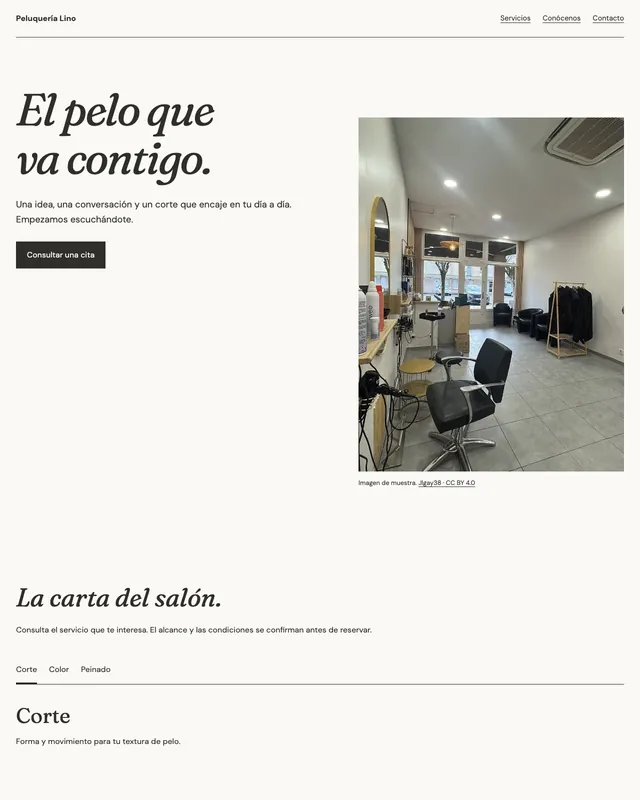
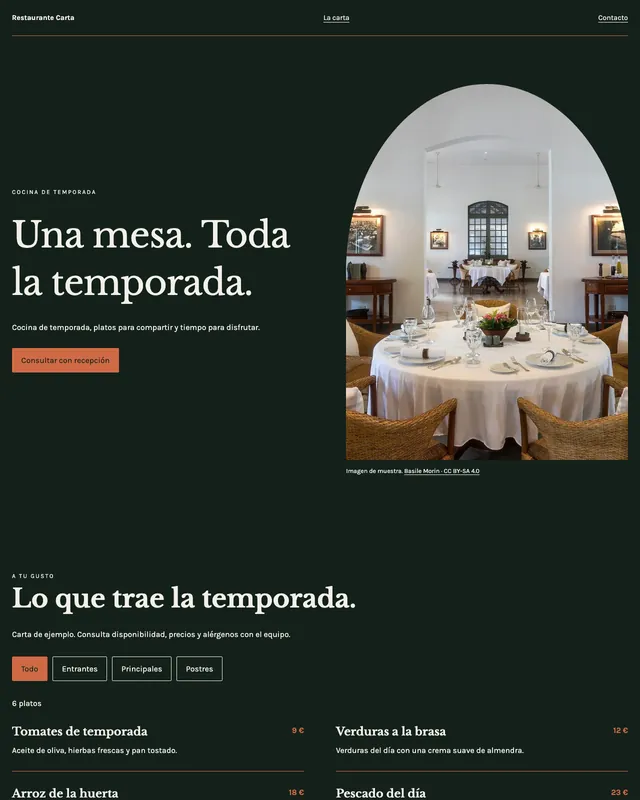
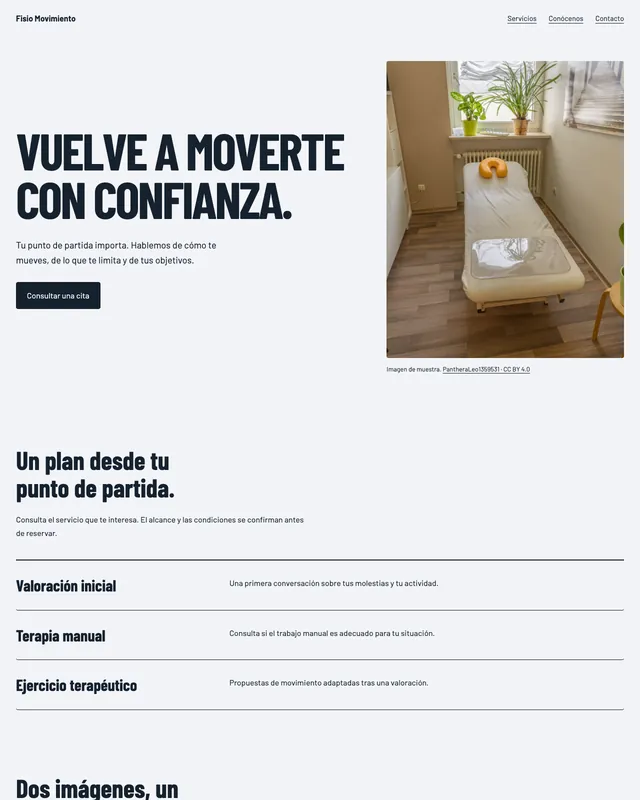
Three of our sample templates, with the receptionist in place.
Where it connects
On your website, on your phone and in your dashboard. Nothing to install.
On your website
A snippet of code you paste once, just before the end of your page.
Works with WordPress, Wix (Premium plan), Squarespace, Shopify, Webflow, Hostinger or HTML. If your site doesn't allow code, Henos builds you a new one.
On your phone
On Pro and Elite, the same receptionist answers your calls too.
Forward your usual number or use a new one, dedicated to your front desk.
In your dashboard
Conversations, bookings and contacts, up to date and all in one place.
Change a price or your opening hours and the chat knows right away.
How each one connects
What each one takes, no fine print.

On your website, with a snippet
Copy your code from the dashboard, under “Install on your website”, and paste it before the end of your page. No need to switch platforms or touch the design.
- The chat appears as a bubble in the bottom right
- On every page that has the code
- Change something in your dashboard and the chat knows right away

On your phone, without missing calls
On Pro and Elite, you forward your usual number or use a new one, dedicated to your front desk. From then on, forget about:
- Picking up the phone with your hands full
- Calls that come in while you're with a client
- Returning calls at the end of the day
- Repeating your opening hours every time someone calls

In your dashboard, everything that happens
Review it when you finish work, without going call by call or message by message.
- Every client's conversations
- Bookings, as soon as they're made
- The contacts of whoever writes to you
Step-by-step for your platform
Find yours and skip the rest.
WordPress
With the “WPCode” plugin (on WordPress.com, a paid plan)
See the stepsWix
Settings → Development & integrations → Custom code (Premium plan)
See the stepsSquarespace
Settings → Advanced → Code Injection (Core plan or higher)
See the stepsShopify
Online Store → Themes → ⋯ → Edit code → theme.liquid
See the stepsHTML website
Just before </body>, on every page
See the steps
Hear it on the phone


Don't have a website yet?
Starter and Elite include a new website with the front desk built in. It's yours: you take it with you and publish it on your own domain.
How to publish your website